> For the complete documentation index, see [llms.txt](https://docs.convogrid.ai/convogrid/llms.txt). Markdown versions of documentation pages are available by appending `.md` to page URLs; this page is available as [Markdown](https://docs.convogrid.ai/convogrid/my-bots/try-bots.md).
# Try Bots
Before publishing a bot, it is necessary to check whether the bot is working properly. Once you are done with creating the bot, you can try the bot yourself before making it publicly visible.
By clicking on the bot you can easily start a conversation to test the bot. You can only do this for the bots that have been created.
Bot Grid
As you can see above, there are three bots, and you can either try the published bot or the one that you just created.
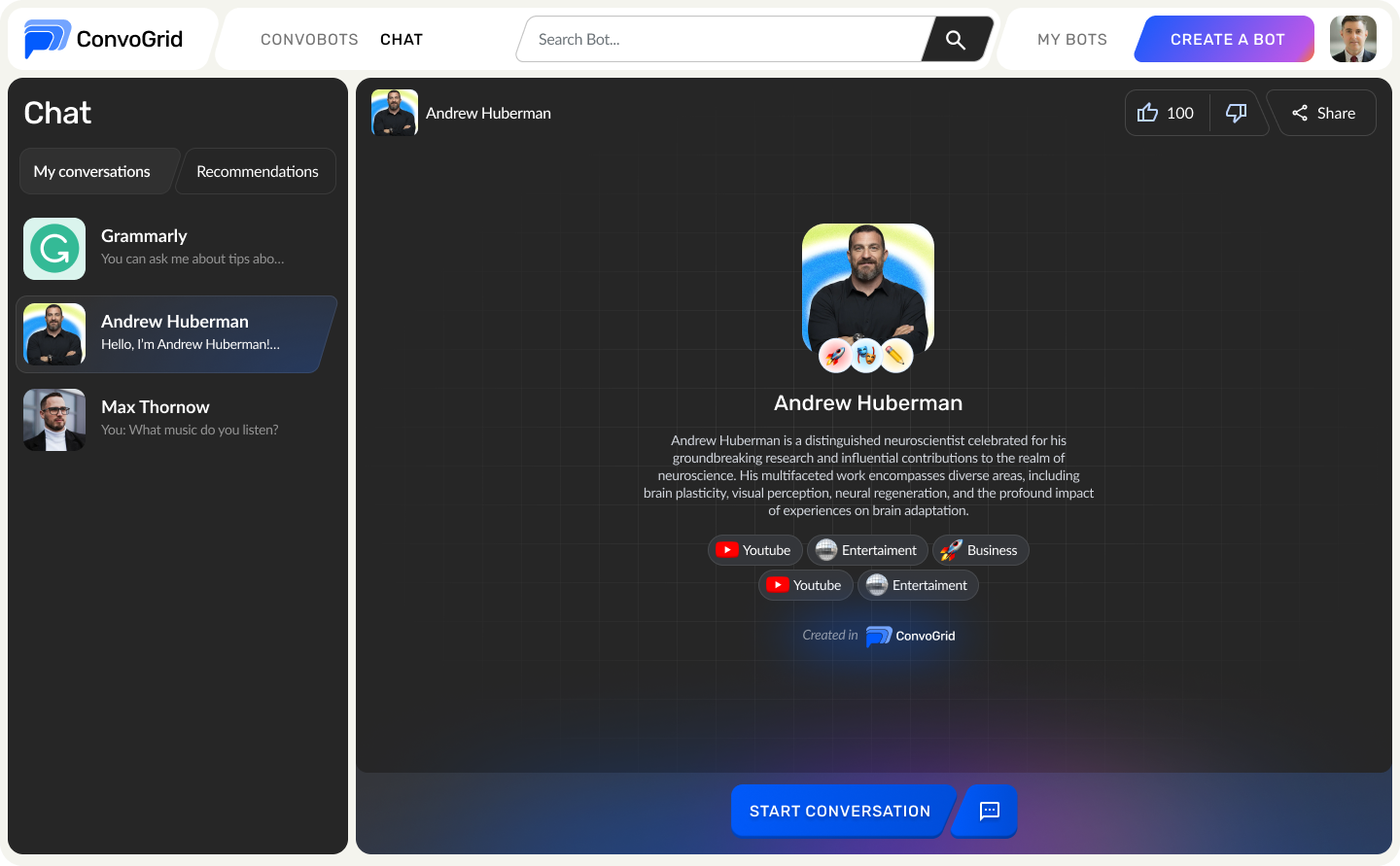
Let's try clicking on the published bot for now. When you click on the bot card, you will be directed to the interface shown below.
My Conversations
In this interface, you can [start a conversation](https://github.com/convogridai/ConvoDocs/blob/main/my-bots/broken-reference/README.md) with your bot and make sure that it is working properly or not.
If it is working properly, you can proceed with publishing the bot.
.png?alt=media)